AWS EC2 CI/CD WITH Github Actions

In this project, I have implemented a fully automated CodePipeline which setup Githib Action to Auto deploy nodejs API on EC2
What is Github?
It is a platform for many open-source projects. Developers or companies can make their projects publically available on Github as open-source projects so that the community can use or contribute to them.
What is GitHub Actions?
It is a platform to automate software developer workflows which means that using GitHub Actions we can create some tasks that occur automatically when a certain event happens. Like for example:- When you contribute to an open source project, it is visible that some checks are performed. These checks happen automatically because it will be really very hard to perform checks manually on each and every contribution. So this is where GitHub Actions comes into place.
Is Github Actions a CI/CD platform?
No, CI/CD is just one of the many workflows that we automate using Github Actions.
What are those workflows?
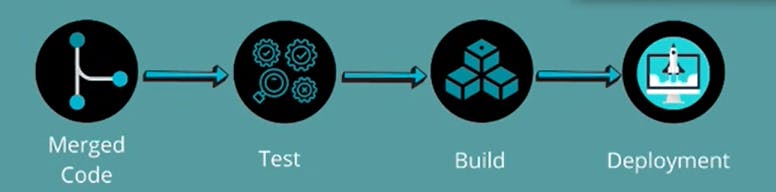
There are different types of workflows like when a team or individual developers who manage these projects need to manage pull requests, new issues, merge pull requests, assign a person to an issue, check whether the issue is fixed or not, check if the issue fixed is not creating an issue at someplace else in the project, if a fixed issue creates another issue then to make that issue public. So these are just some of the workflows that a maintainer has to perform.
CI/CD EC2-CICD_Node_app
This action tab is integrated into your project beforehand. Click on "Action" .

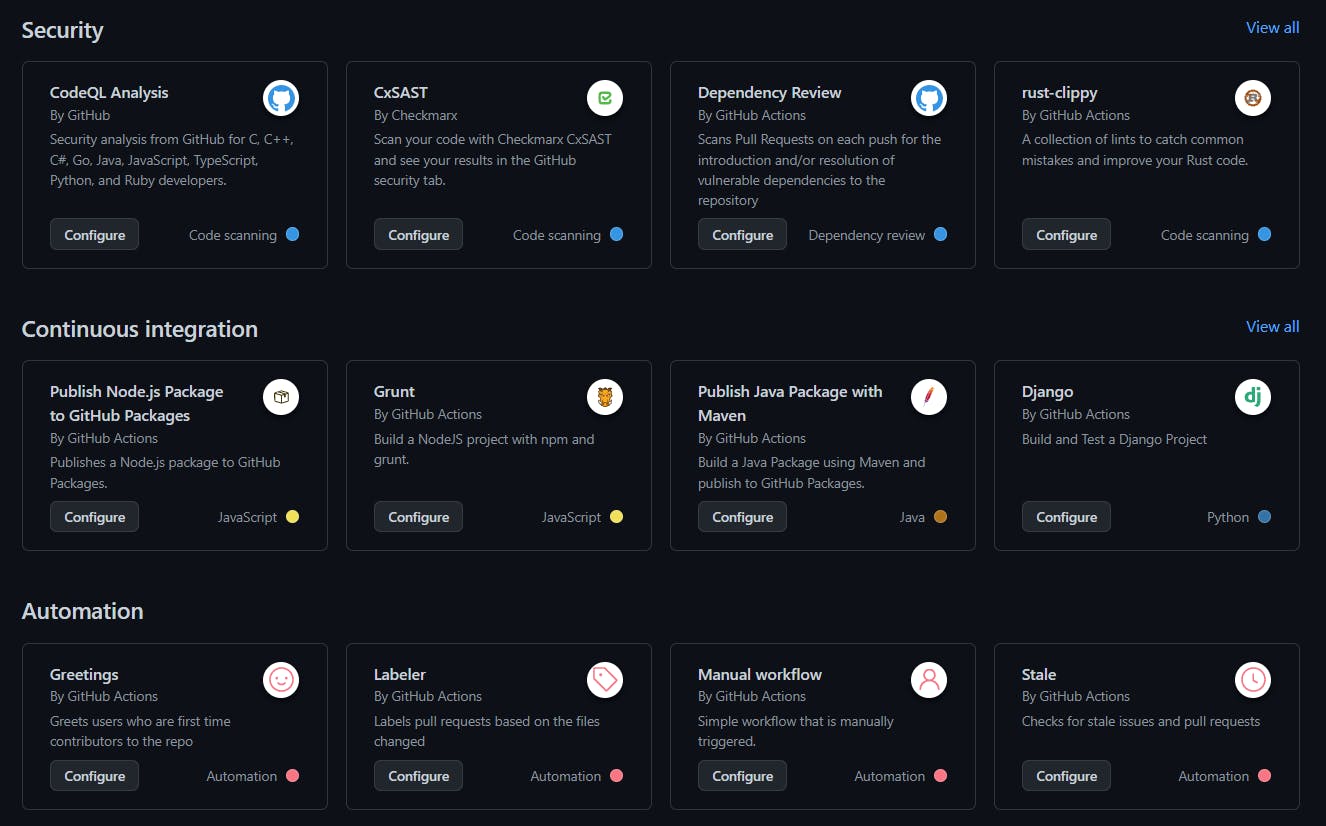
After clicking on the Actions tab you'll see a list of workflow templates for different categories of operation. You can also make your own workflow with different combinations and adjust it.

Syntax of the workflow file
name: CICD for Nodejs


on:
  push:
    branches:
        - main

jobs:
  build:
    runs-on: ubuntu-latest
    strategy:
      matrix:
        node-version: [14.x]

    steps:
      - uses: actions/checkout@v2
      - name: Use node js
        uses: actions/setup-node@v1
        with:
         node-version: ${{ matrix.node-version }}
      - name: npm install and build
        run: |
          npm install
          npm run build

        env:
          CI: true


  depoly:
    needs: [build]
    runs-on: ubuntu-latest

    steps:
     - name: executing remote ssh commands using password
       uses: appleboy/ssh-action@v0.1.8
       with:
          host: ${{ secrets.HOST }}
          username:  ${{ secrets.USER }}
          key:  ${{ secrets.KEY }}
          port:  ${{ secrets.PORT }}
          script: |
              curl -o-   https://raw.githubusercontent.com/creationix/nvm/v0.33.8/install.sh    | bash
              . ~/.nvm/nvm.sh

               nvm instal 14
               npm install -g pm2
               cd ~/EC2-CICD_Node_app
               git pull origin main
               npm install
               npm run build
               pm2 restart api
The above code is explained in a detailed format below:-
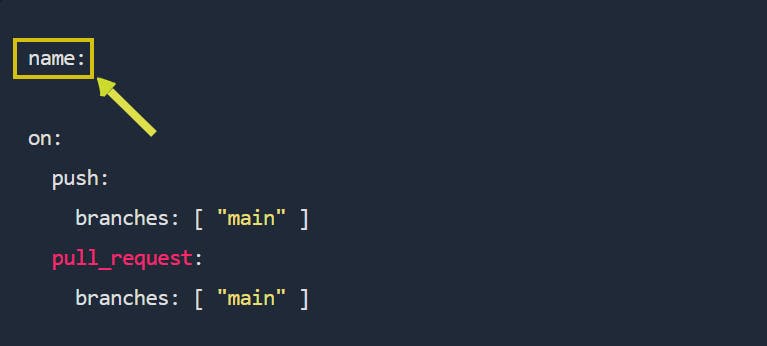
The name of the workflow describes what the workflow is doing.
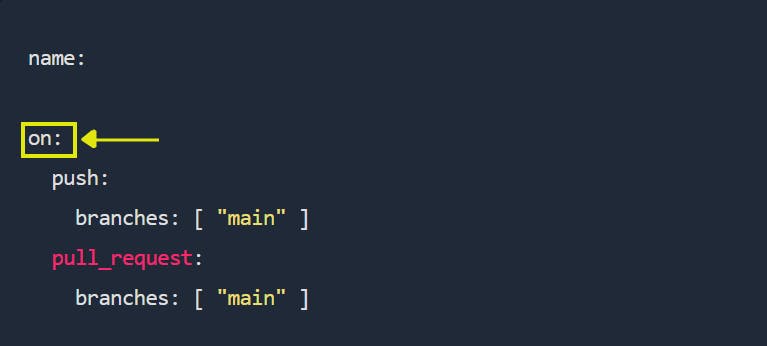
On lists all the events that will trigger this workflow. So in this case, if someone pushes to the master branch or every time a pull request gets created with the master branch as a target the workflows mentioned inside jobs get executed.
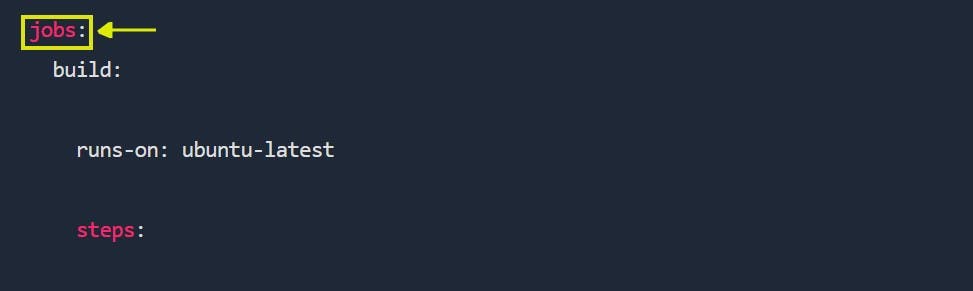
Jobs contain different workflows that are executed once any event inside on is triggered. There can be multiple jobs. So Job groups a set of actions that will be executed.
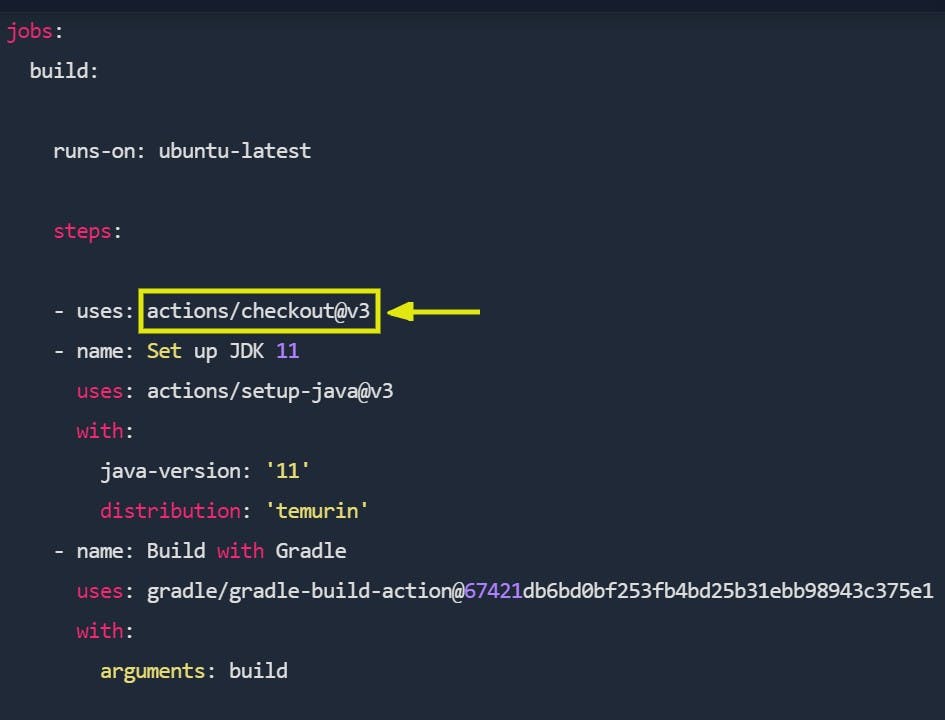
Whenever we want to build an application or run a test we need to checkout the repository or the code first. So "actions/" path in GitHub is where predefined actions are hosted. This is present so that the user does not have to write it. The @v3 after checkout is the version of checkout.
So "uses" attribute helps us to use predefined actions either in GitHub Actions repository or if any other community has created one.
The "run" attribute helps us to run a command line command.
Setup an AWS EC2 Instance

clone the Repo link in ec2 Instance
git clone https://github.com/mhmdrameez/EC2-CICD_Node_app
step 2: Generate the ssh key by using this command
ssh-keygen

Genrated two Keys Public and Private Keys

Create a new file authorized_keys and copy the keys of id_rsa.pub to authorized_keys
Setup in Githubaction for KEYS


ADD the Host as the public IP address of the ec2 Instance
ADD PORT as the PORT number is 22
ADD KEYS as the pricate key of ssh here id_rsa and USER as ubuntu

we commit one change

It triggers Github Actions


After Succesfully deploy

You can access the rest endpoint from a browser using the with port number[Public Ip address]:8000
Open it to browser.

Conclusion
We have successfully automated Github Action to Auto Deploy nodejs API on EC2
If you have liked this project and my effort please share this and fork my Github repo for more practice.
github link:https://github.com/mhmdrameez/EC2-CICD_Node_app


